
WordPress form builder
Forms that make sense
Build your layout. Ask the right questions.
Keep everything in one clear workspace.
Keep everything in one clear workspace.
Made for WordPress
A useful free starting point
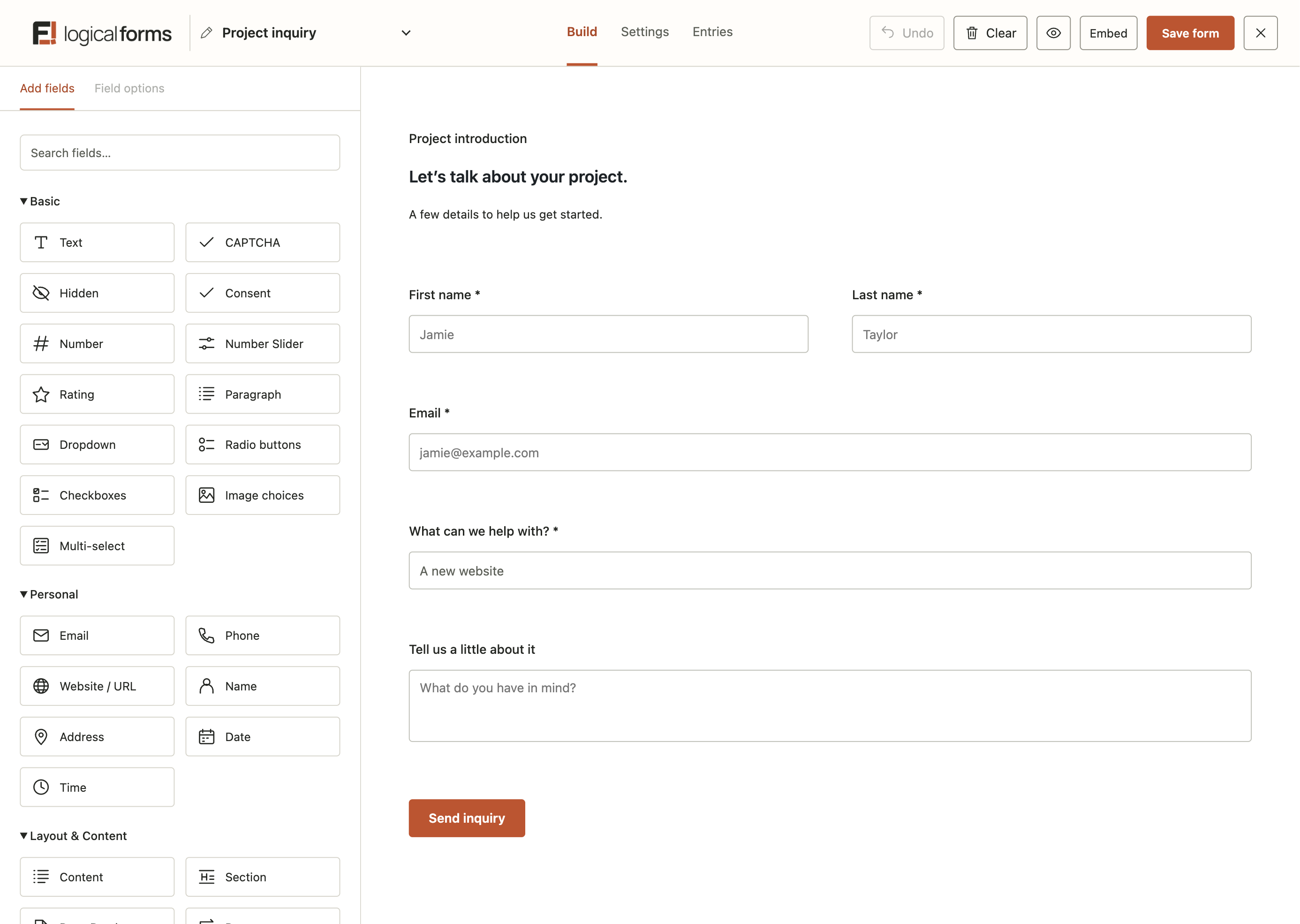
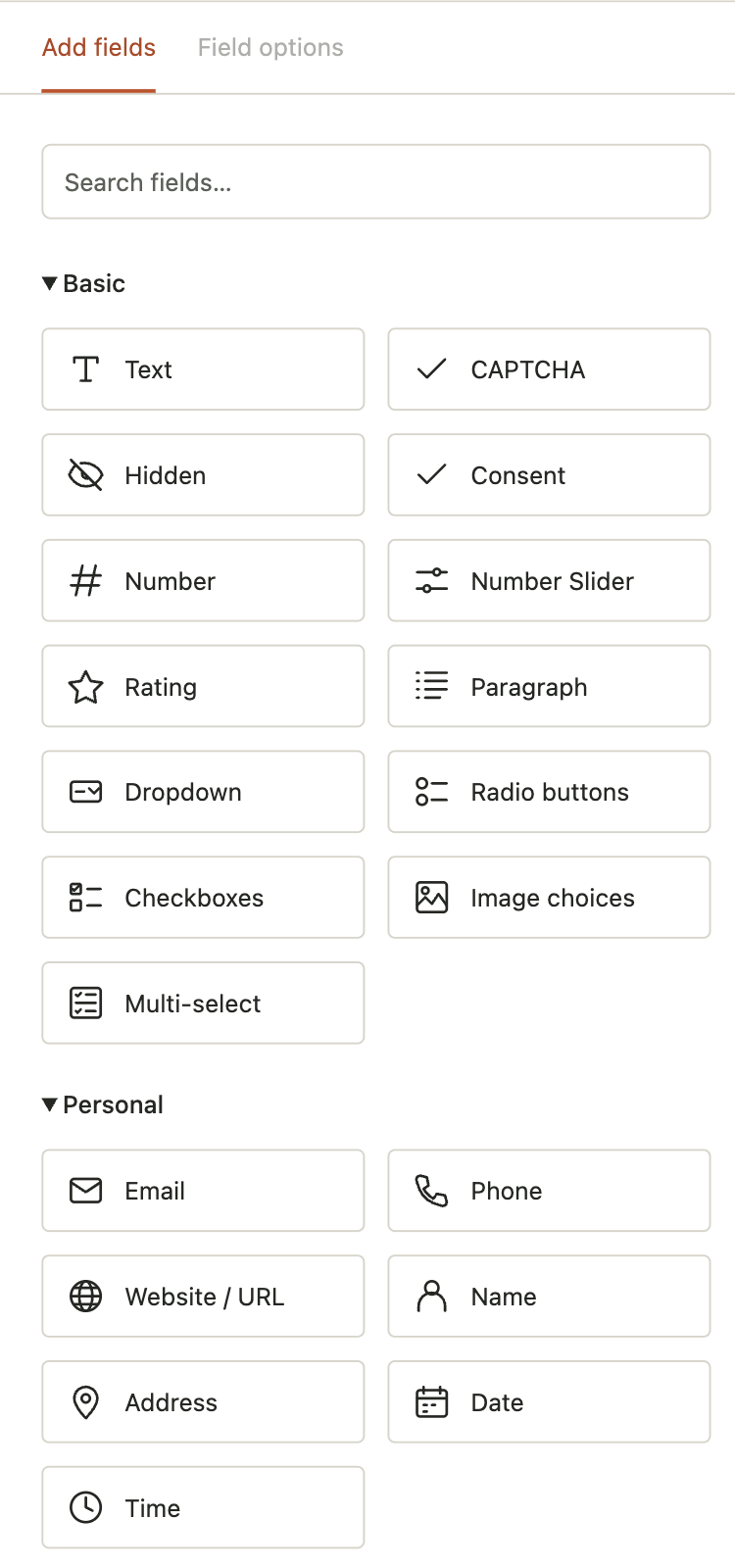 1. Build your form
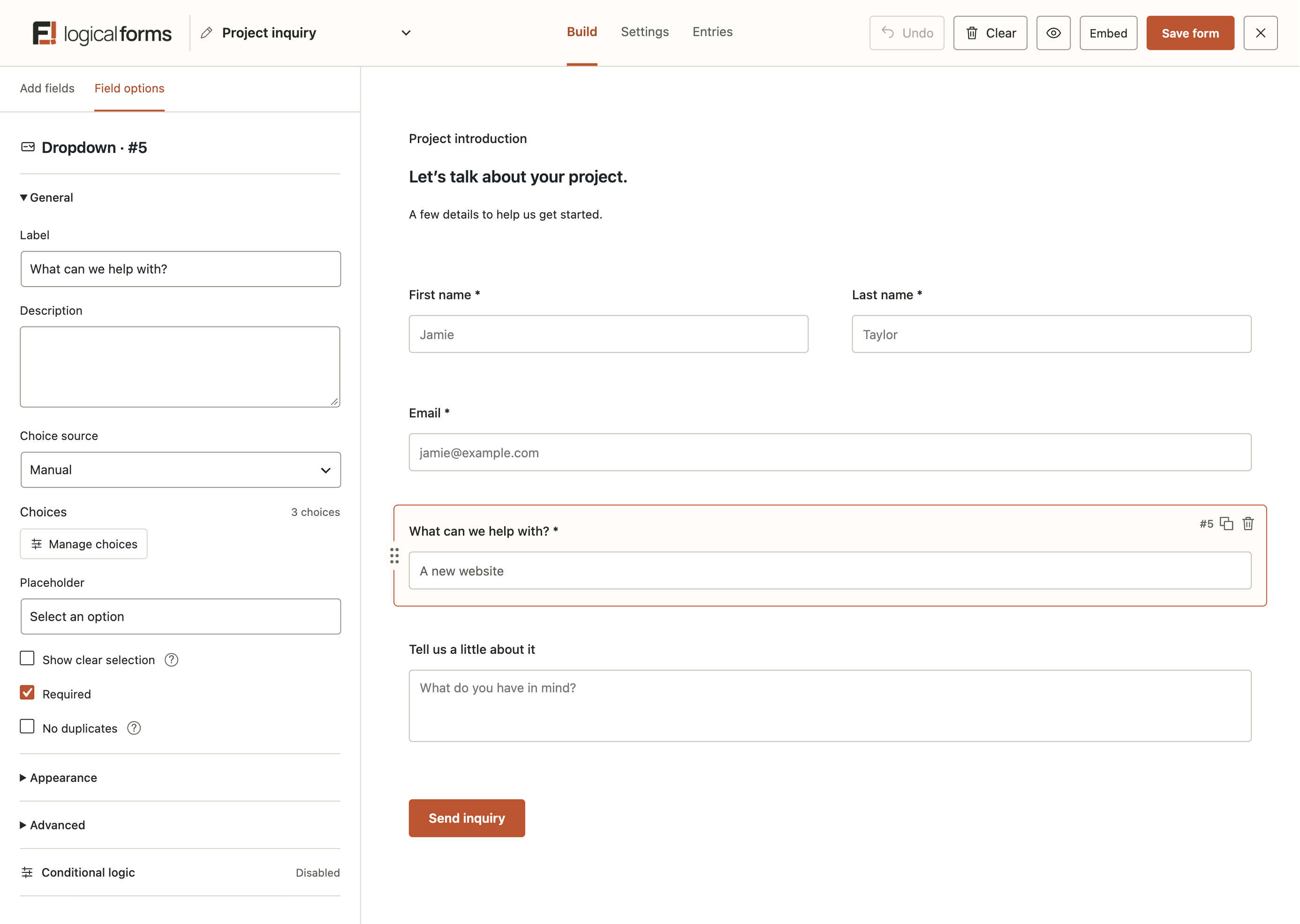
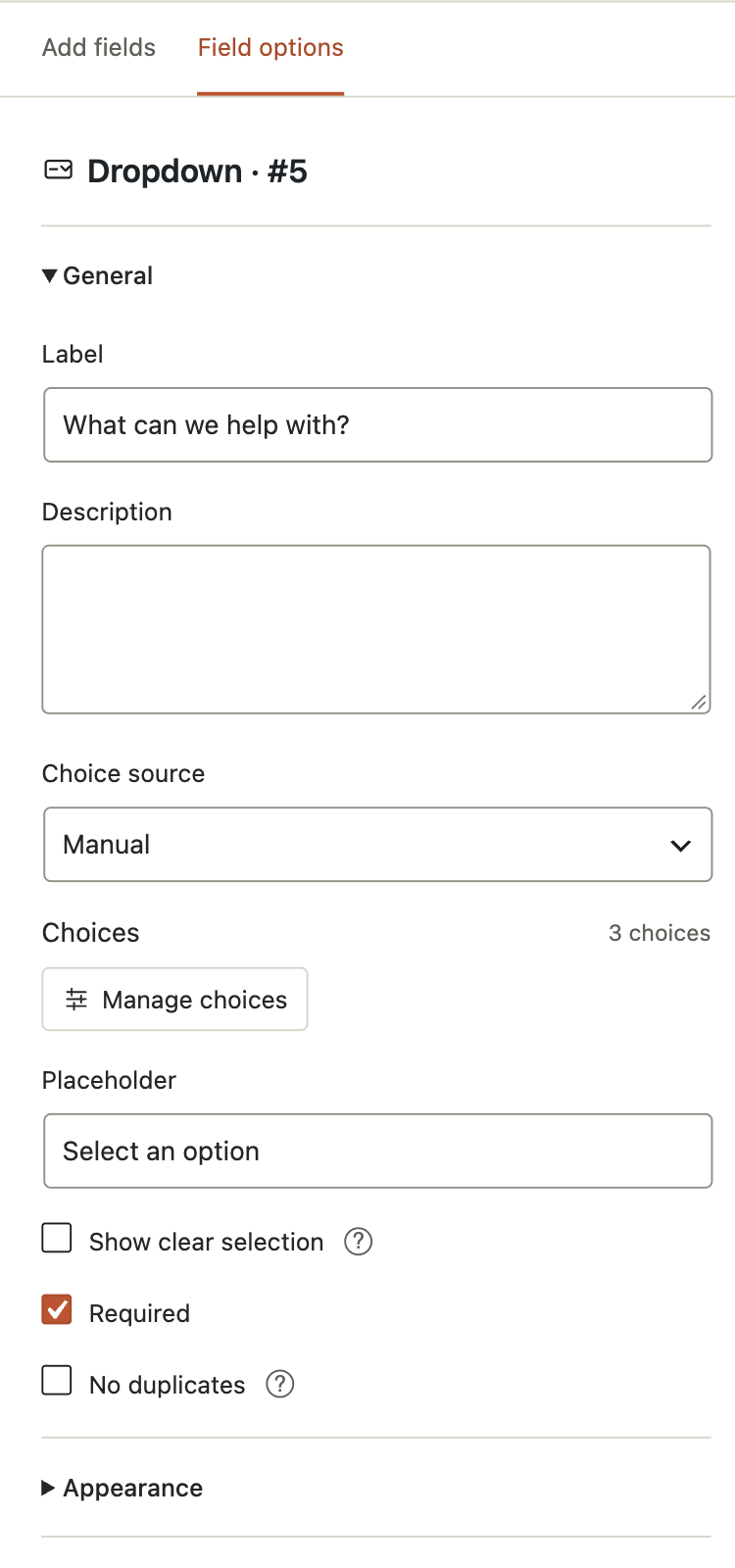 2. Make each field work your way
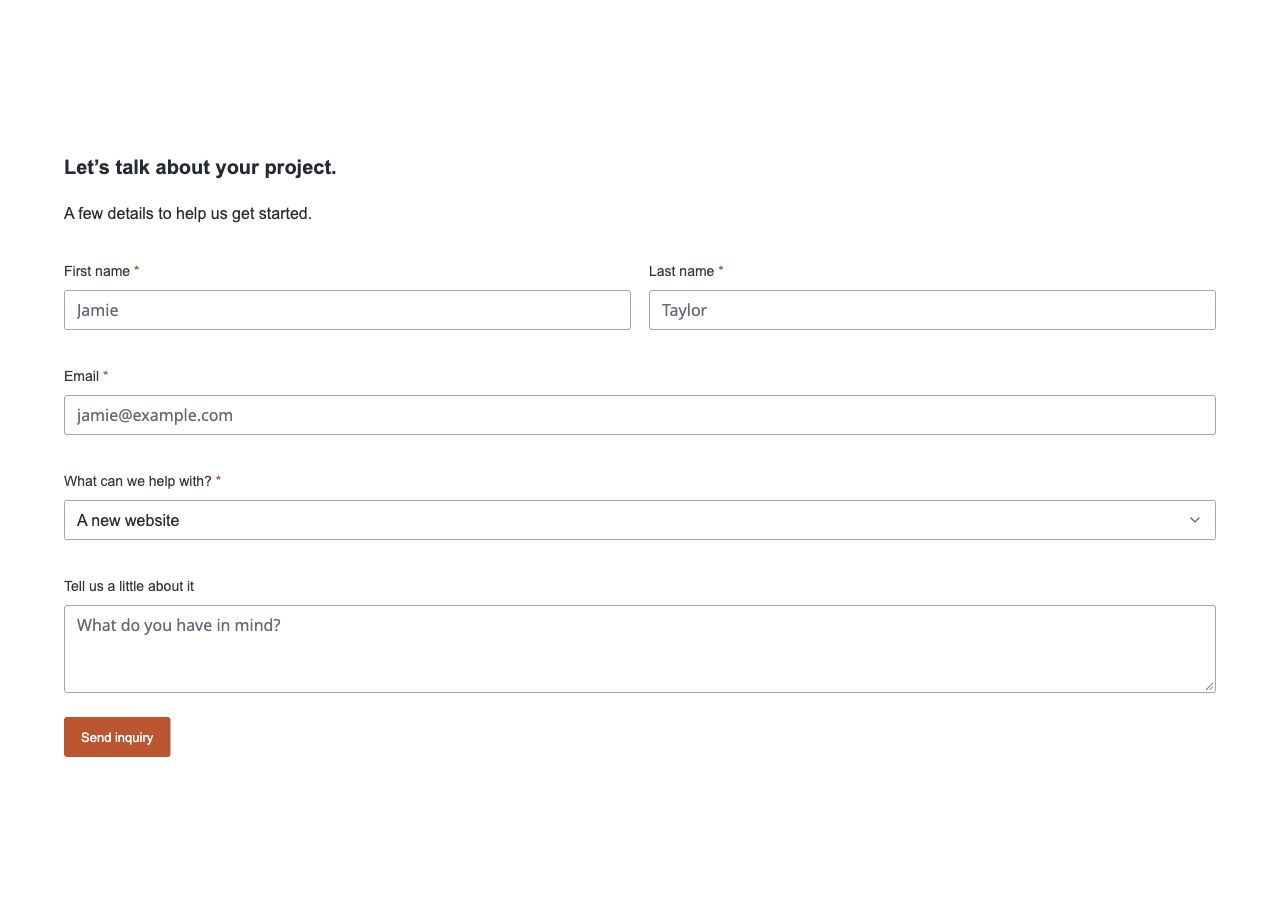
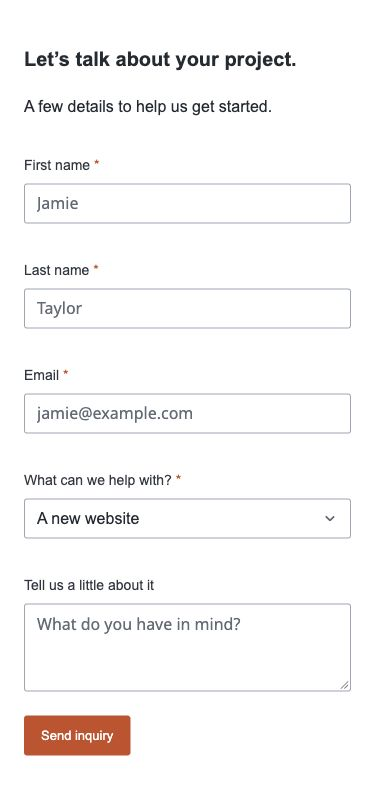 3. See the finished form
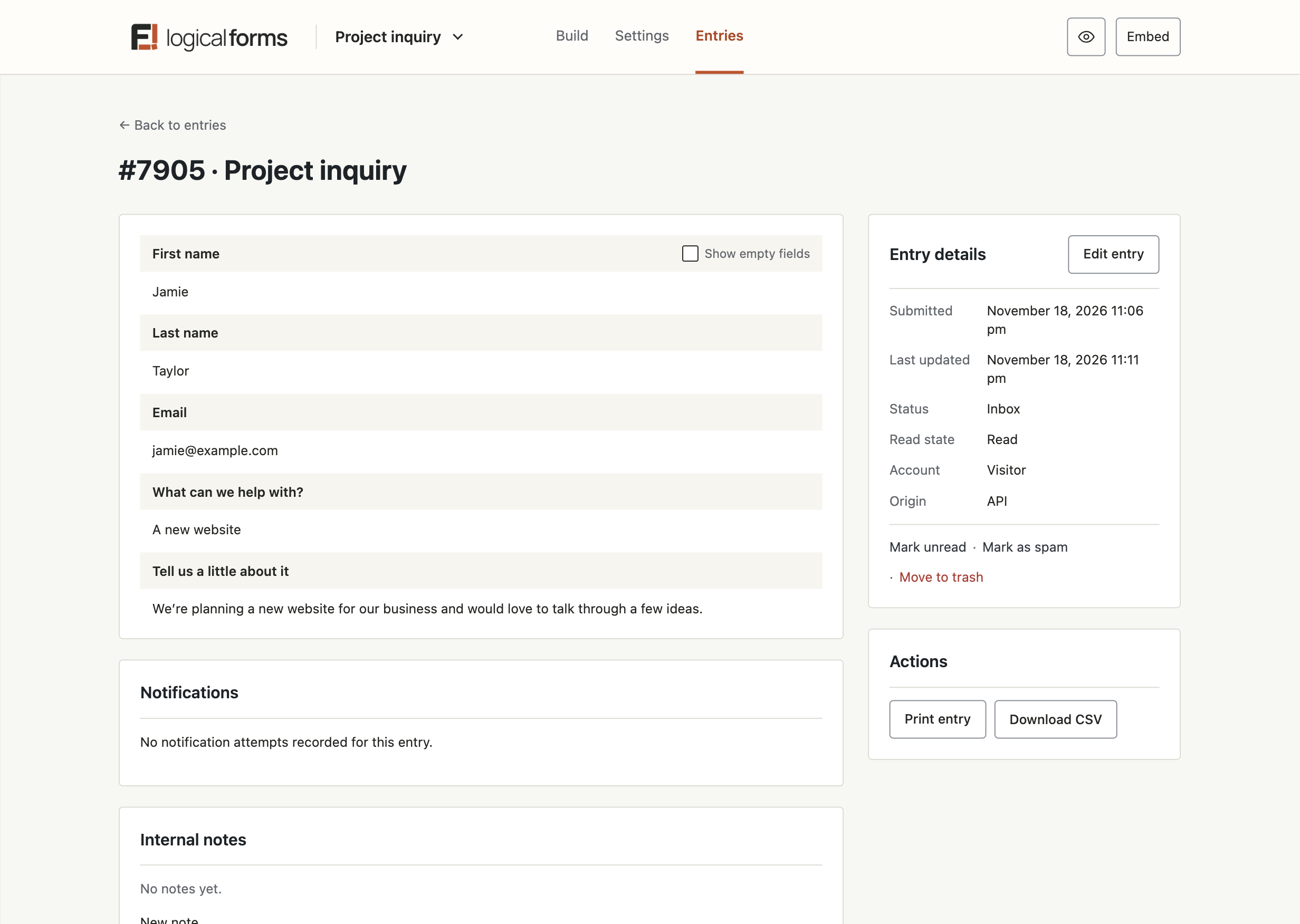
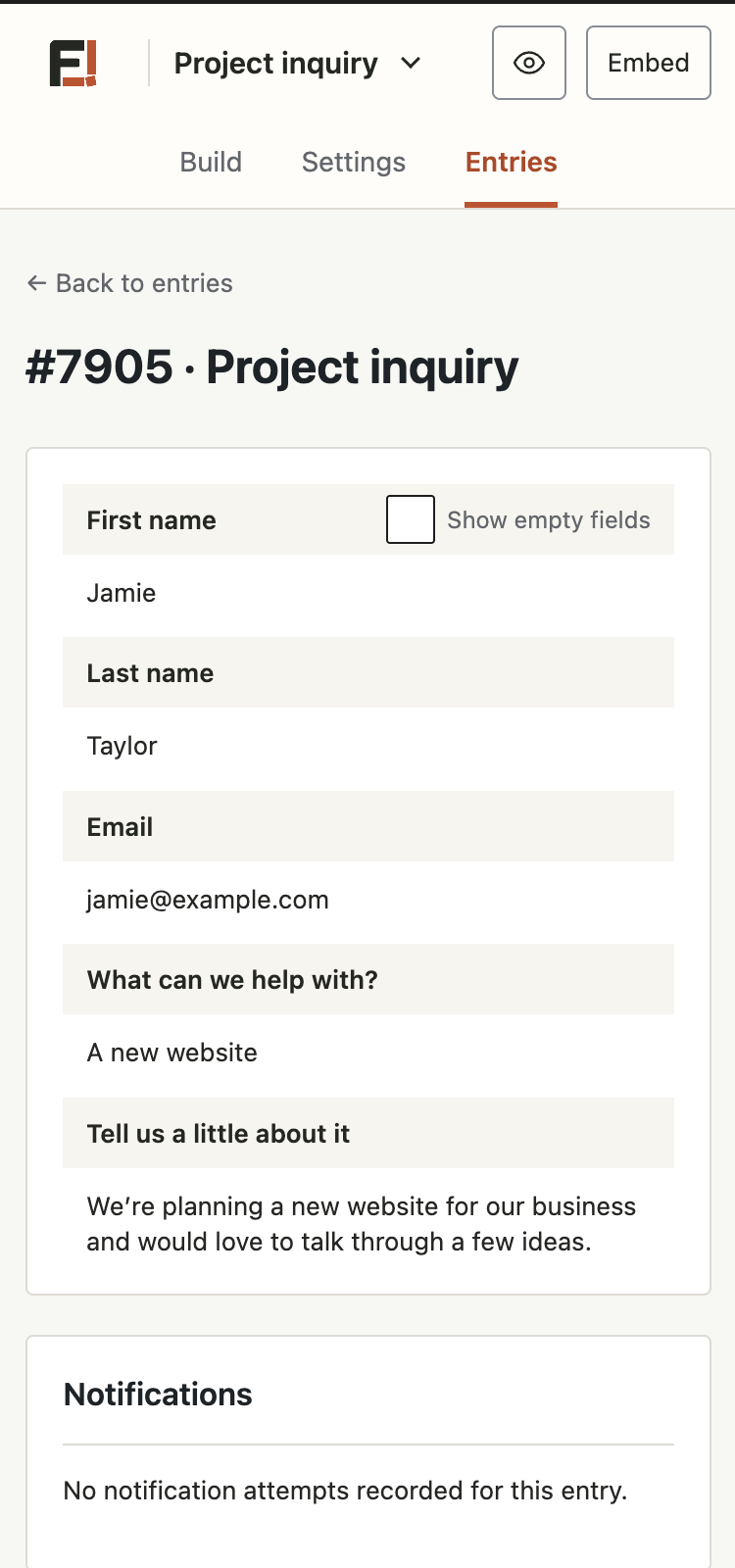 4. Review the details that come in
Build it your way. Keep the details in order.
A product by Oddly Logical
YOUR FORM, YOUR LAYOUT
Build the form
you have in mind.
Start with a blank canvas or a ready-made starting point. Add your fields, arrange them in rows and columns, and shape the layout around the information you need.
Arrange and resize fields visually
Start blank or choose a starter form
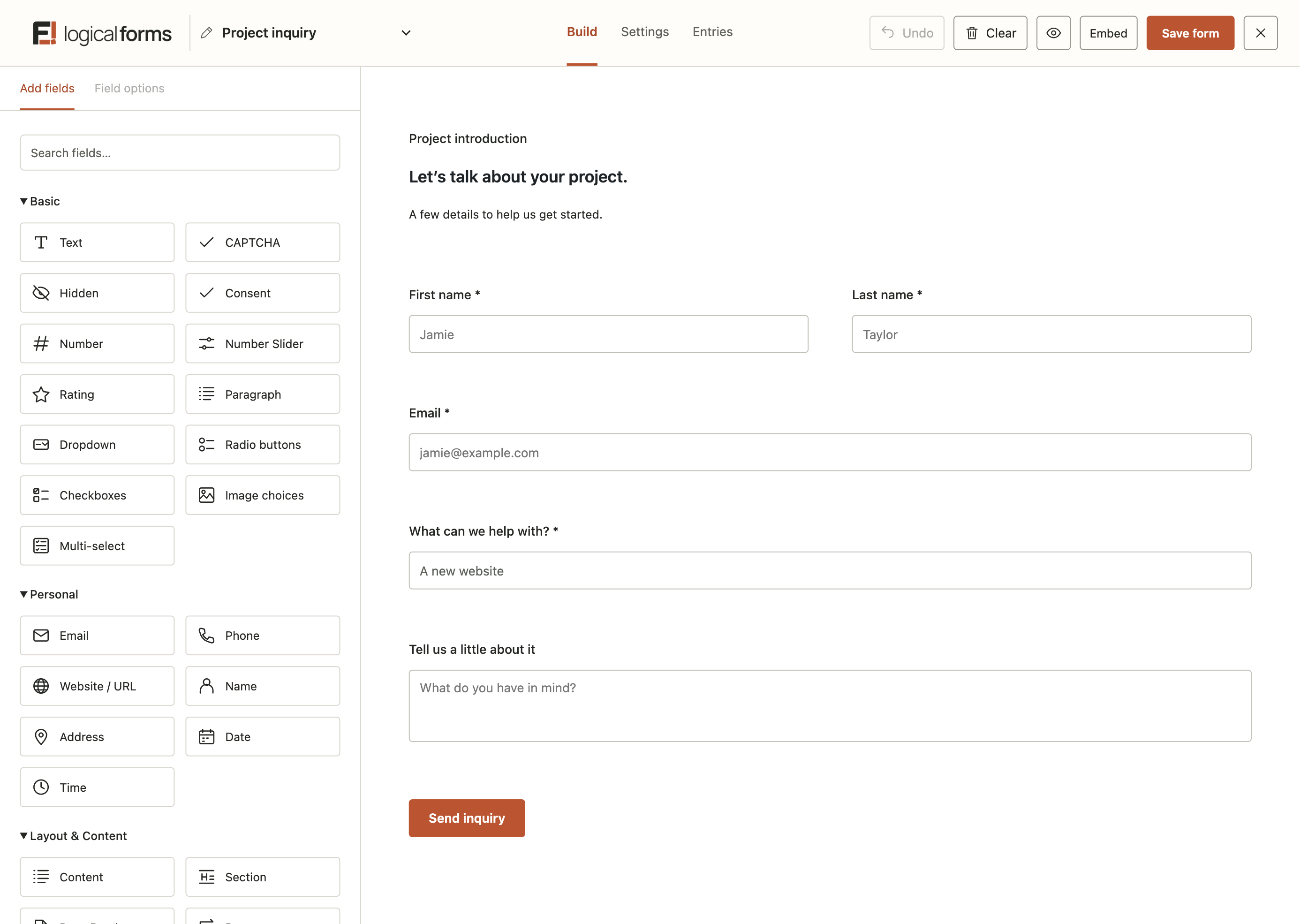
Arrange related fields together and give each answer the space it needs.
MORE WAYS TO ANSWER
Names & addresses
Email & phone
Choices & selections
Dates & times
File uploads
Repeating groups
A few of the field types available across Logical Forms and Pro.
THE RIGHT FIELD FOR THE JOB
Collect more
than the basics.
Structured details, choices, and uploads
Repeatable groups for information that grows
Relevant follow-up questions when needed
PART OF YOUR WEBSITE
Make every form
feel at home.
Your forms should feel like they belong. Choose a starting style, adjust the details, and bring the form into your page with the look and spacing that suit your website.
Clean and Soft starting styles
Inherit your website’s font family
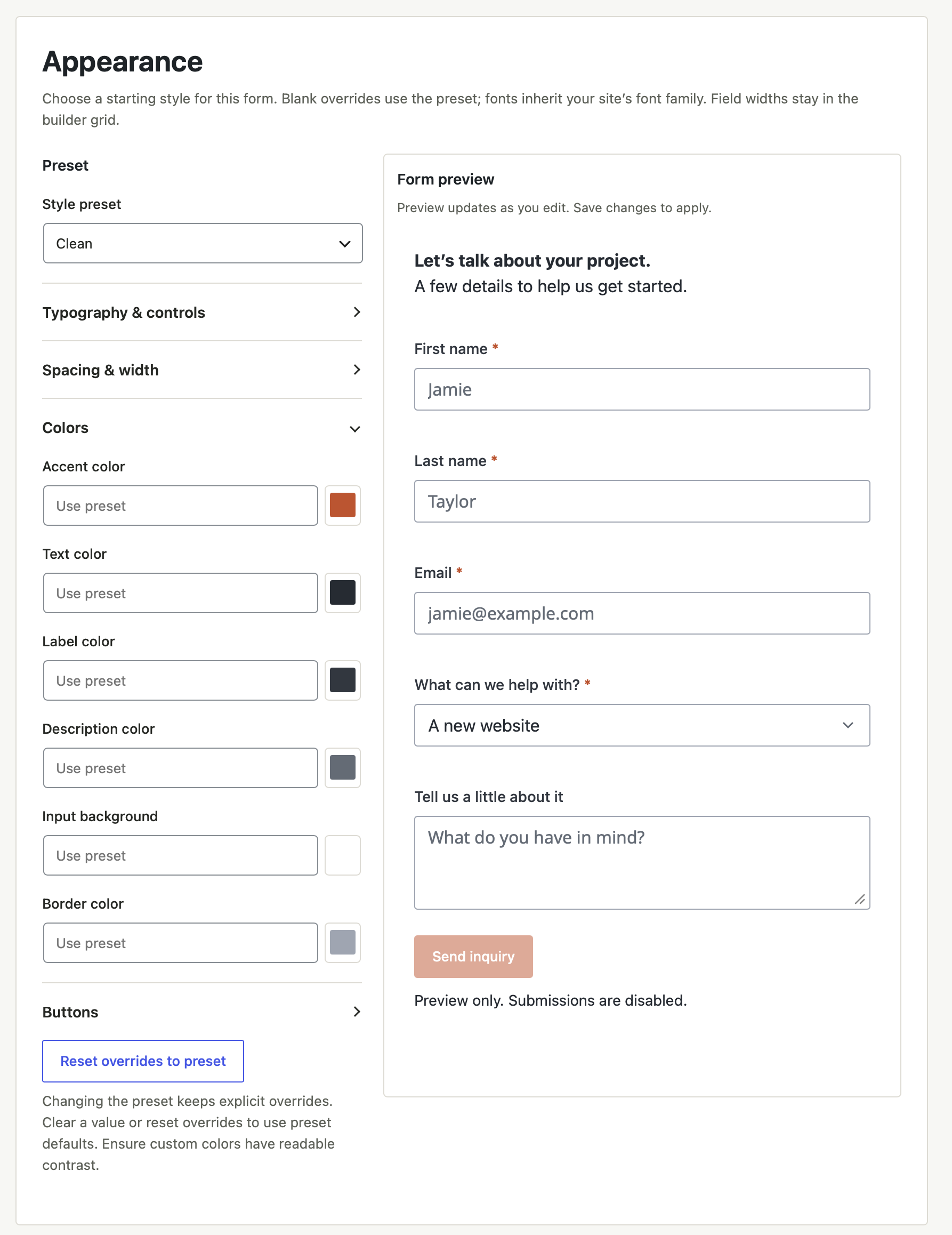
Fine-tune your colors, spacing, and controls—and see how the form responds.
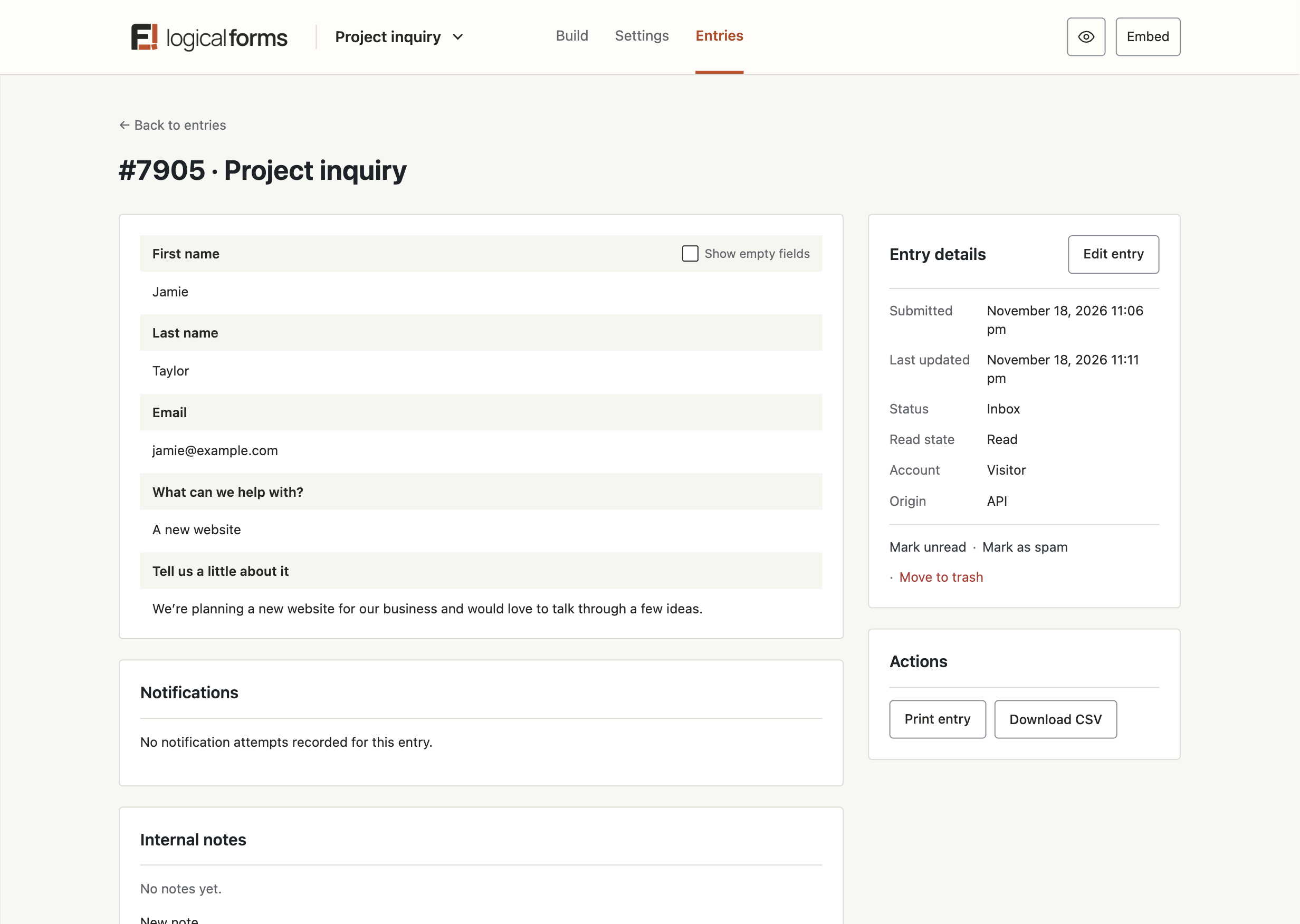
Keep every
submission in order.
The information people send deserves a clear place to land. Find the entry you need, open the full details, and keep the useful information close at hand.
Search and filter collected entries
Choose the columns you want to see
Export the information as CSV
KEEP THE CONVERSATION MOVING
Give every submission
a next step.
A submitted form is the start of something. Let people know their message arrived, and give the people handling it the details they need to follow up.
Set up email notifications and recipients
Show a message or redirect to a page
Tailor the response to what was submitted
THE START
A new form submission
The details are saved together as an entry.
FOR THE PERSON FILLING IT IN
A clear confirmation
Show a thank-you message or send them to the next page.
FOR THE PEOPLE FOLLOWING UP
An email with the details
Notify the right recipient with the information they need.
Small forms. Real work.
What will you build?
A few familiar starting points.
Plenty of room to make them yours.
Plenty of room to make them yours.

A little about who’s building it
Thoughtful tools.
A human behind them.
Logical Forms is a product by Oddly Logical, from the developer behind GEO my WP and Gravity Geolocation. Built with care for the details—and the people using them.
Eyal Fitoussi
Developer, Oddly Logical
Start simple. Keep going.
A useful start.
Room to grow.
Get to know the free edition. Explore Pro when you need more.
Your first step
Logical Forms Free
Get familiar with the builder and make a form your own.
Explore the free edition →More possibilities
Logical Forms Pro
Explore additional capabilities for the forms you have in mind.
Explore Pro →Can I start with the free version?
Yes. Free gives you the visual builder, everyday fields, and entry management. Pro adds tools such as calculations, multi-page forms, repeating groups, and add-ons.
Can I make the forms match my website?
Start with Clean or Soft, then adjust colors, spacing, corners, and buttons. Forms inherit your website’s font family, so they feel at home on your pages.
How do I add a form to a page?
Use the form’s Embed action to choose a page, or copy its shortcode into your page content or page builder.
What happens after someone submits a form?
One less thing
to overcomplicate.
Make your next form a logical one.