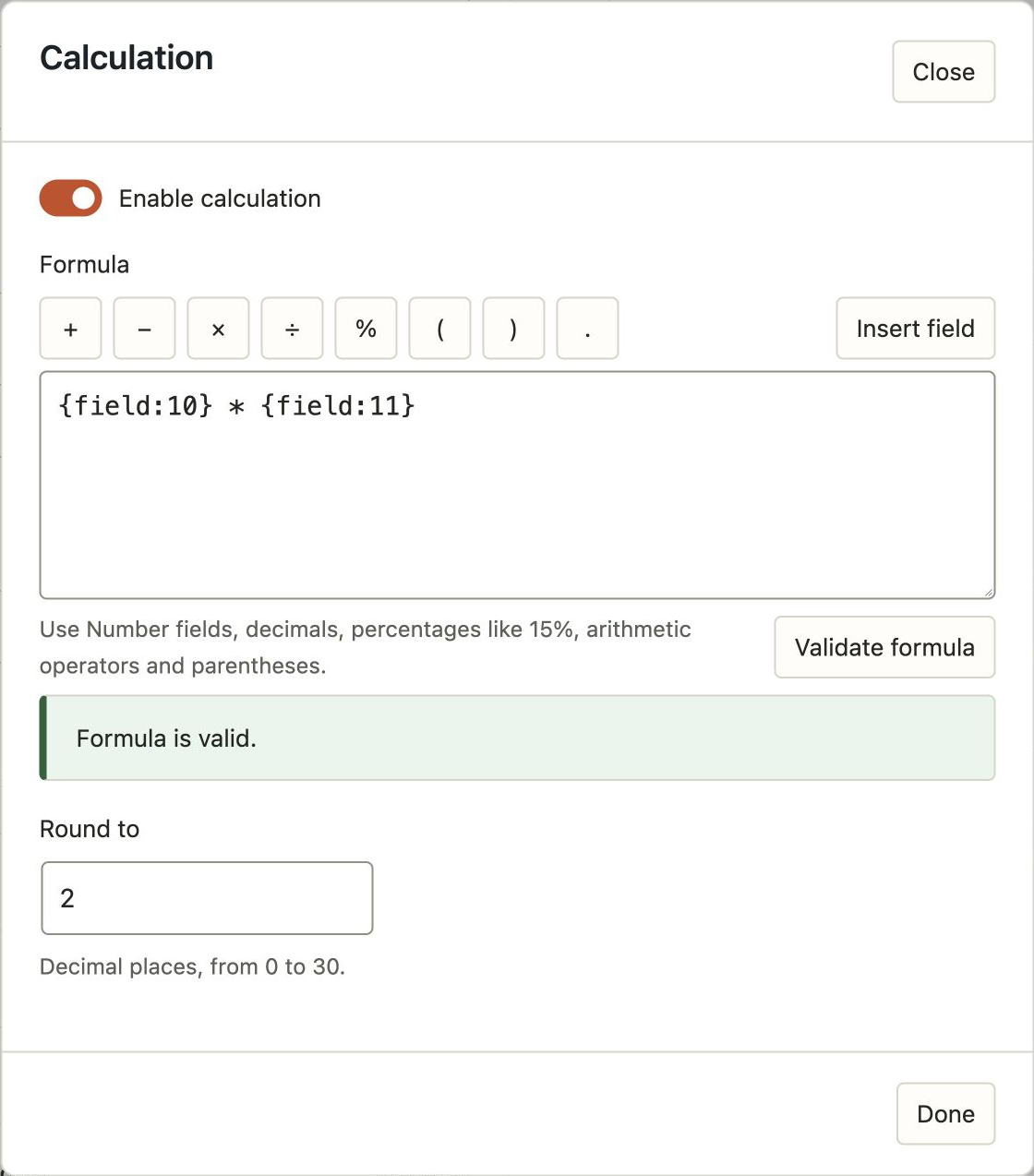
Use arithmetic, parentheses and percentages. Keep the formula as simple as the job needs.
PART OF THE WHOLE FORM
The result has somewhere to go.
Across form steps
Use Number inputs from the same page or an earlier step in a multi-page form.
Alongside the answers
Keep the calculated result with the submission and include it in your CSV export.
In your follow-up
Include the accepted result in confirmations and notification emails using merge tags.
A FEW PRACTICAL ANSWERS
Before you start calculating.
Simple arithmetic, clear boundaries and results you can check.
Do I need Pro for calculations?
Yes. Calculations are included in Pro. Ordinary Number fields are included in Free.
Which calculations can I use?
Addition, subtraction, multiplication, division, parentheses, percentages and rounding. Calculations use Number fields and a supported arithmetic expression.
Can I calculate values inside a Repeater?
Yes. Logical Forms Pro supports calculations within each Repeater row using values from that row and eligible Number fields in the main form. A calculation outside the Repeater can also sum a repeated Number field across all rows.
What happens when the form is submitted?
The calculated result is saved with the other answers, so you can review everything together in your entries.