Each row uses the same set of questions, so a person's or item's answers stay together.
Calculate and adapt each row
Calculate row totals and show relevant follow-up questions using answers in that row or the main form.
Use the details afterwards
Include the row collection in notification content and your entry CSV export.
A FEW PRACTICAL ANSWERS
Before you get started.
Useful details about how this fits into your forms.
Do Repeater fields require Pro?
Yes. Repeater is included with Logical Forms Pro.
Can I limit how many rows people add?
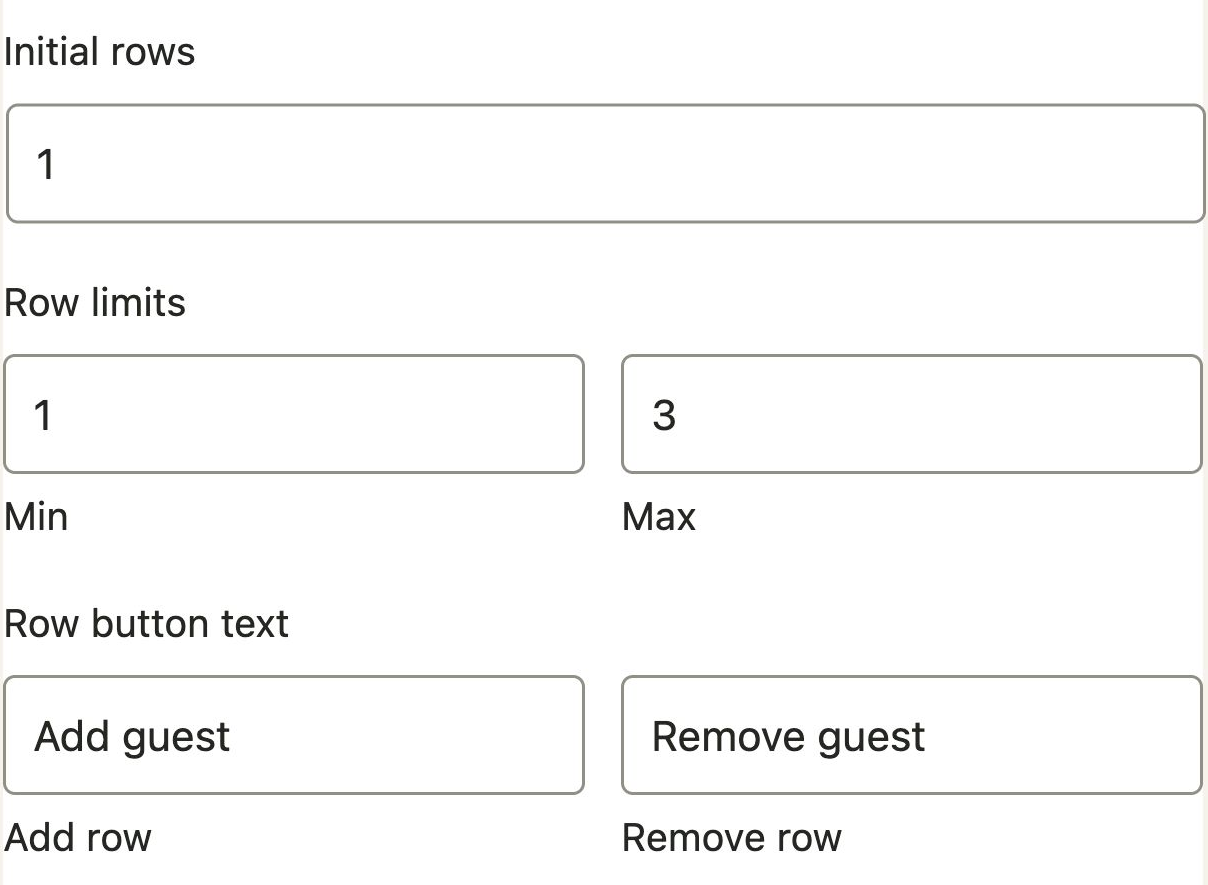
Yes. Set the initial, minimum and maximum row counts and choose your Add/Remove labels.
How are the repeated answers saved?
All rows stay together in the same entry, in the order submitted.
Can I nest one Repeater inside another?
No. Repeating groups currently support one level.
Can I calculate totals inside a Repeater?
Yes. Calculate a Number within each row using values from that row and eligible Number fields in the main form. A Number calculation outside the Repeater can sum a repeated Number field across all rows.