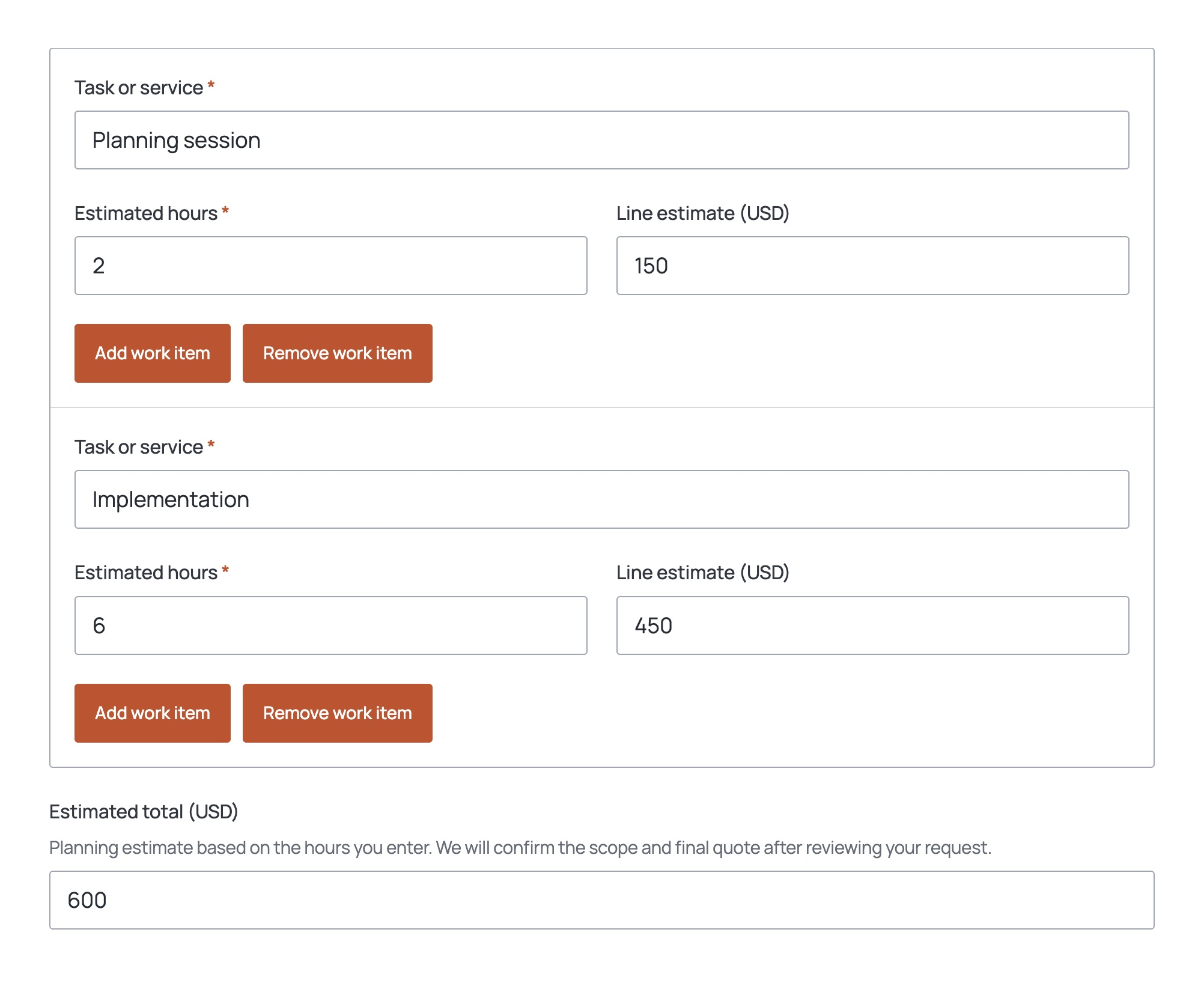
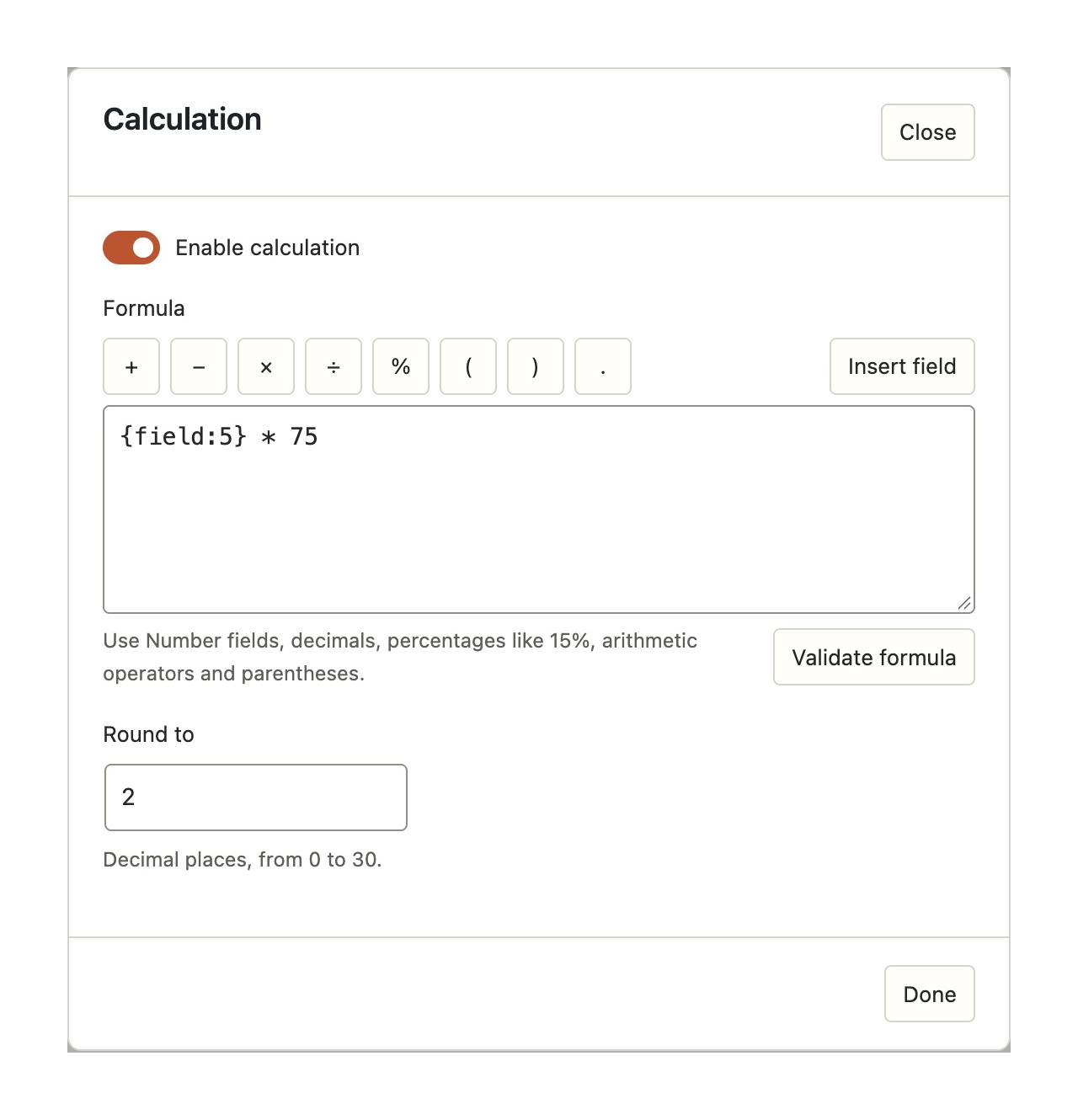
Calculate an estimate, guide people through the right steps and collect the details a simple form cannot. Pro adds fields and capabilities to the Logical Forms builder you already use.
How the companion plugin fits with your forms and other add-ons.
Is Pro a separate plugin?
Yes. Logical Forms Pro is an add-on installed alongside the free Logical Forms plugin. Both stay active; your existing forms remain in the same builder.
Do I need to rebuild my existing forms?
No. Open an existing form and add the Pro fields or settings it needs. Test the saved result before using it on a public page.
Is ordinary conditional field logic included in Free?
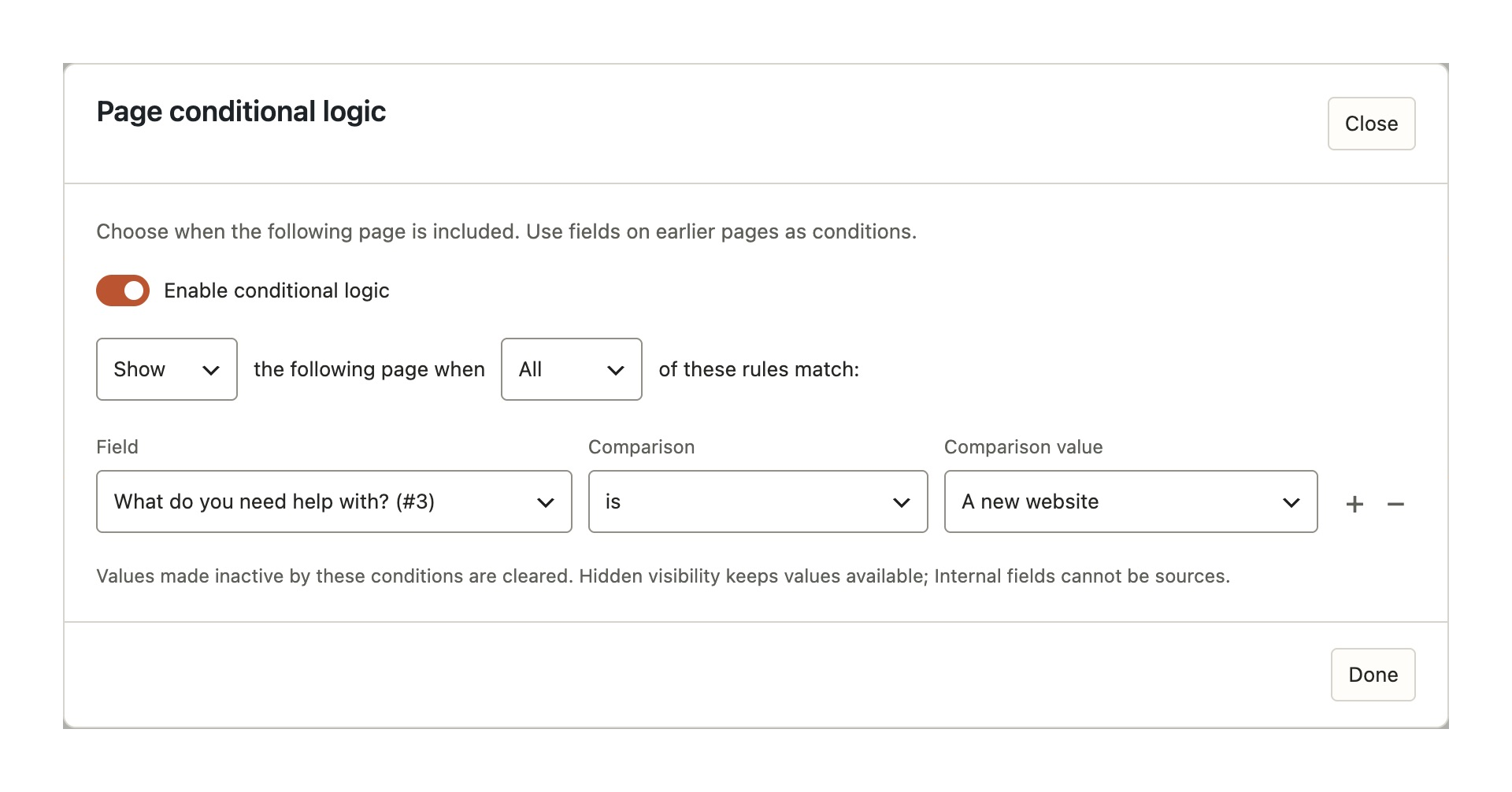
Yes. Free includes ordinary field Show/Hide conditions. Pro adds conditional pages, Next-button rules and conditional confirmations, notifications and supported add-on actions.
Are Create Posts and User Registration part of the Pro add-on?
They are separate add-ons. The All Access Pass includes all official add-ons. Each works alongside Free; install only those your workflow needs.
Does staff entry editing let visitors edit their submissions?
Pro supplies protected dashboard editing for authorized staff. Letting signed-in owners edit their own saved submissions uses the separate Front-end Editing add-on.
Does Pro create bookings or take payments?
Date and Time collect answers; calculations produce numeric results. They do not by themselves reserve calendar availability or collect a payment.