File Upload
Collect documents and images alongside the rest of a submission, keeping the attachment connected to the information it supports.
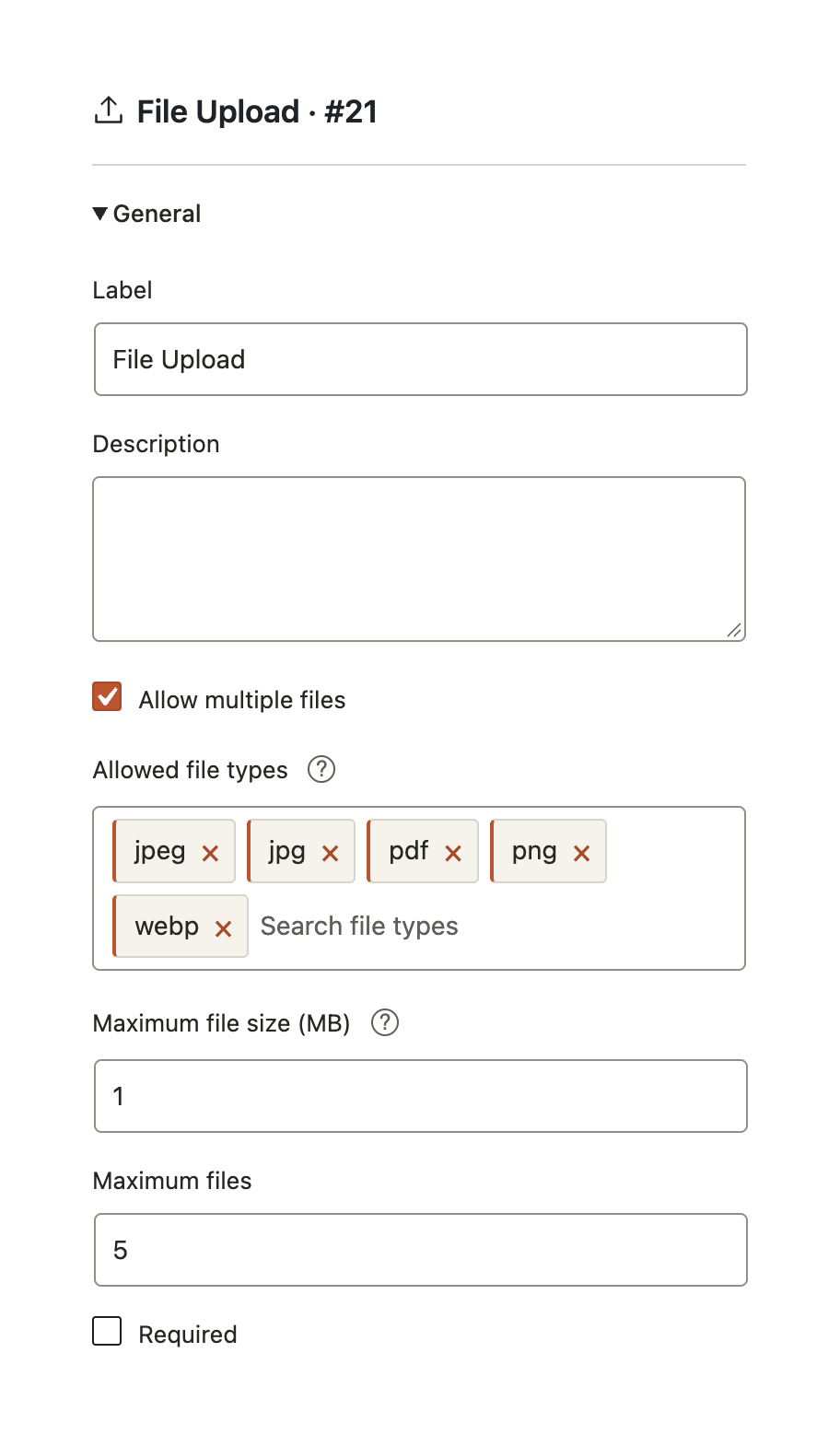
Choose allowed file types, set a per-file size limit and allow multiple files with a maximum count. Add upload instructions that explain what to send.
Useful for: Applications, support requests, project briefs and supporting documents.
Read the File Upload guide →Rich Text
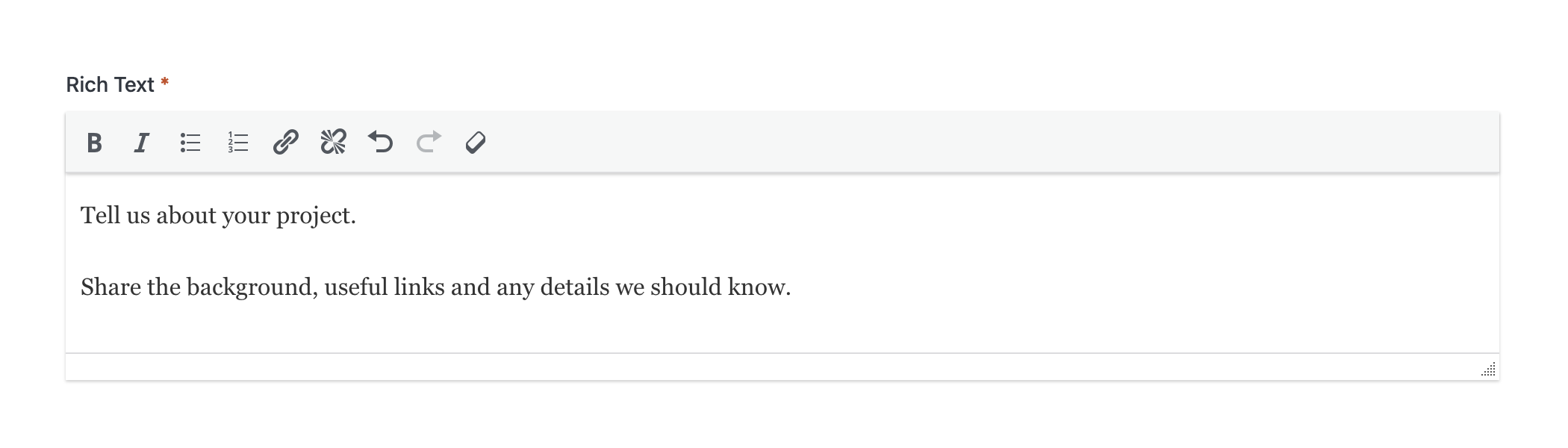
Let people write a formatted response with paragraphs, lists, links and other supported text formatting.
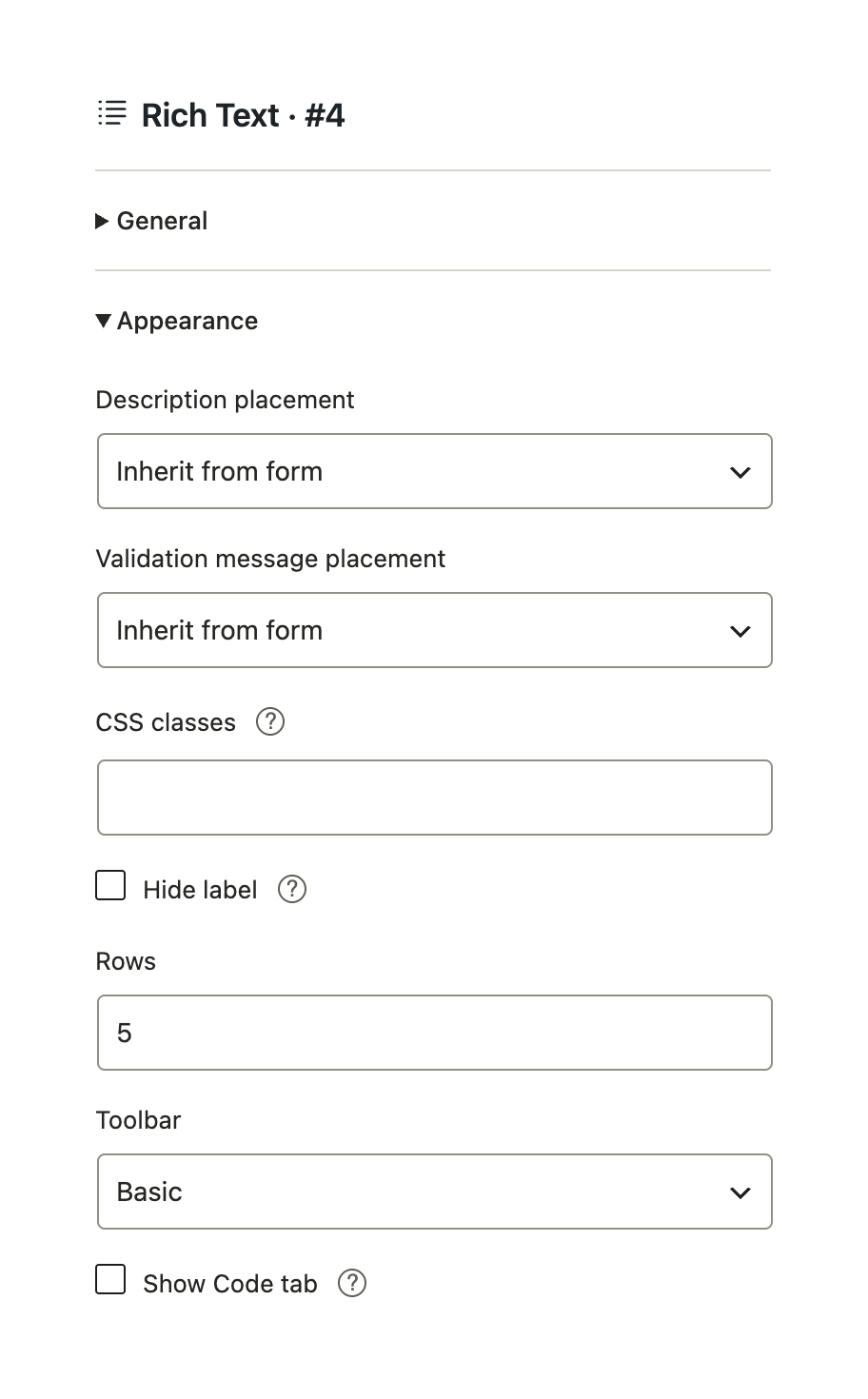
Choose a Basic or Full toolbar. Enable the optional Code tab for supported HTML; scripts, media, forms and shortcodes are not executed.
Useful for: Guest articles, detailed descriptions, proposals and longer explanations.
Read the Rich Text guide →