
With Pro active, Settings → Availability lets you schedule when a form accepts submissions and set a total submission cap. Free shows the Availability section as a Pro feature; its disabled controls do not enforce a schedule.
Set an opening or closing time
- Open the form's Settings → Availability.
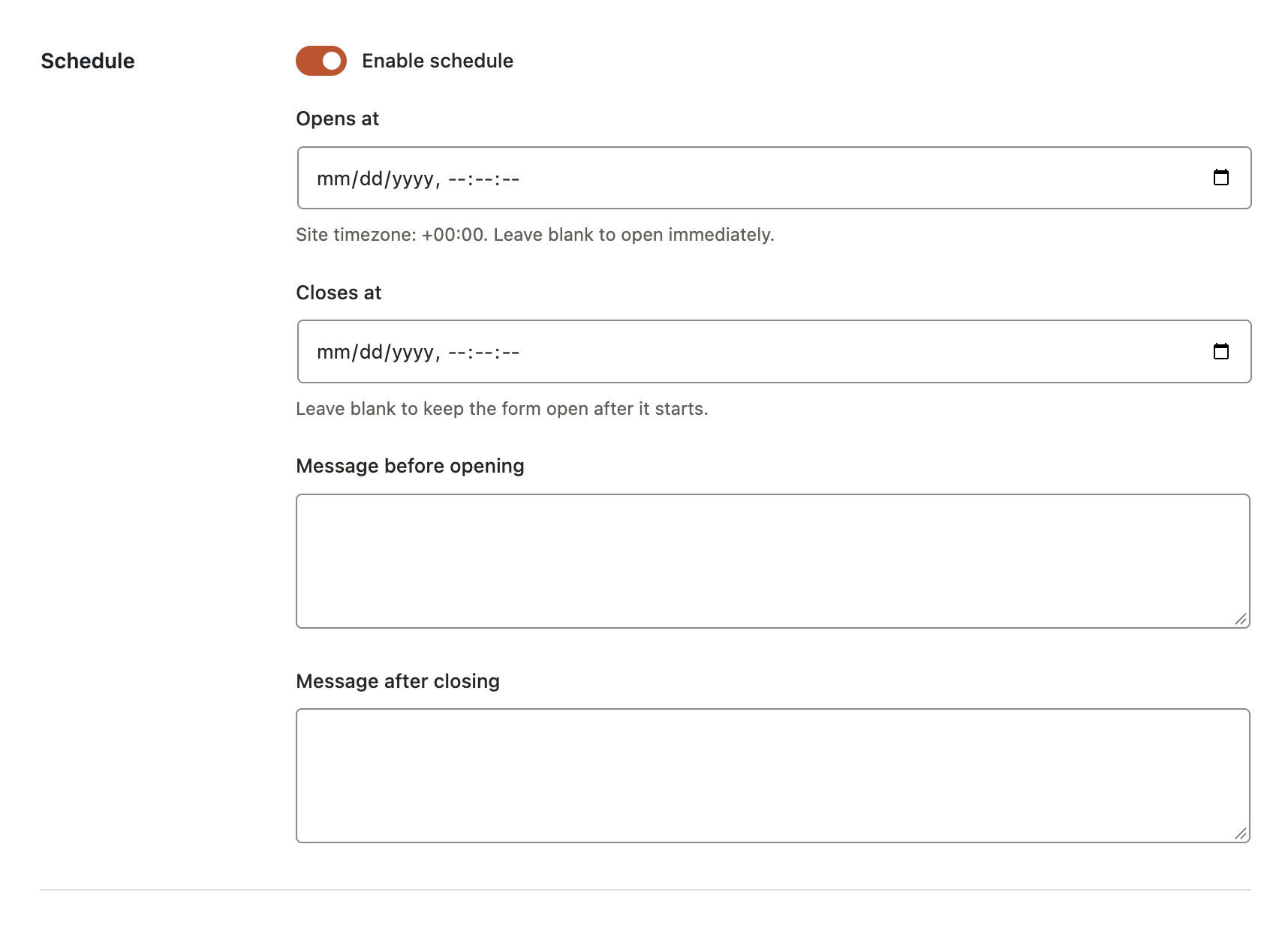
- Turn on Enable schedule.
- Enter Opens at, Closes at, or both, using the WordPress site timezone shown beside the control.
- Set optional visitor messages and select Save changes.
| Setting | What it does |
|---|---|
| Opens at | Leave blank to open immediately. With a value, submissions are unavailable before that instant. |
| Closes at | Leave blank to remain open after the opening time. At the closing instant and later, new submissions are unavailable. |
| Message before opening | Text visitors see before the scheduled start. Blank uses the plugin's default not-yet-open message. |
| Message after closing | Text visitors see after the scheduled end. Blank uses the default no-longer-accepting message. |
An enabled schedule needs at least one boundary. If both are set, the closing time must be later than the opening time. A local time that does not exist, or occurs twice during a daylight-saving clock change, can be rejected; choose an unambiguous time.
Limit total submissions
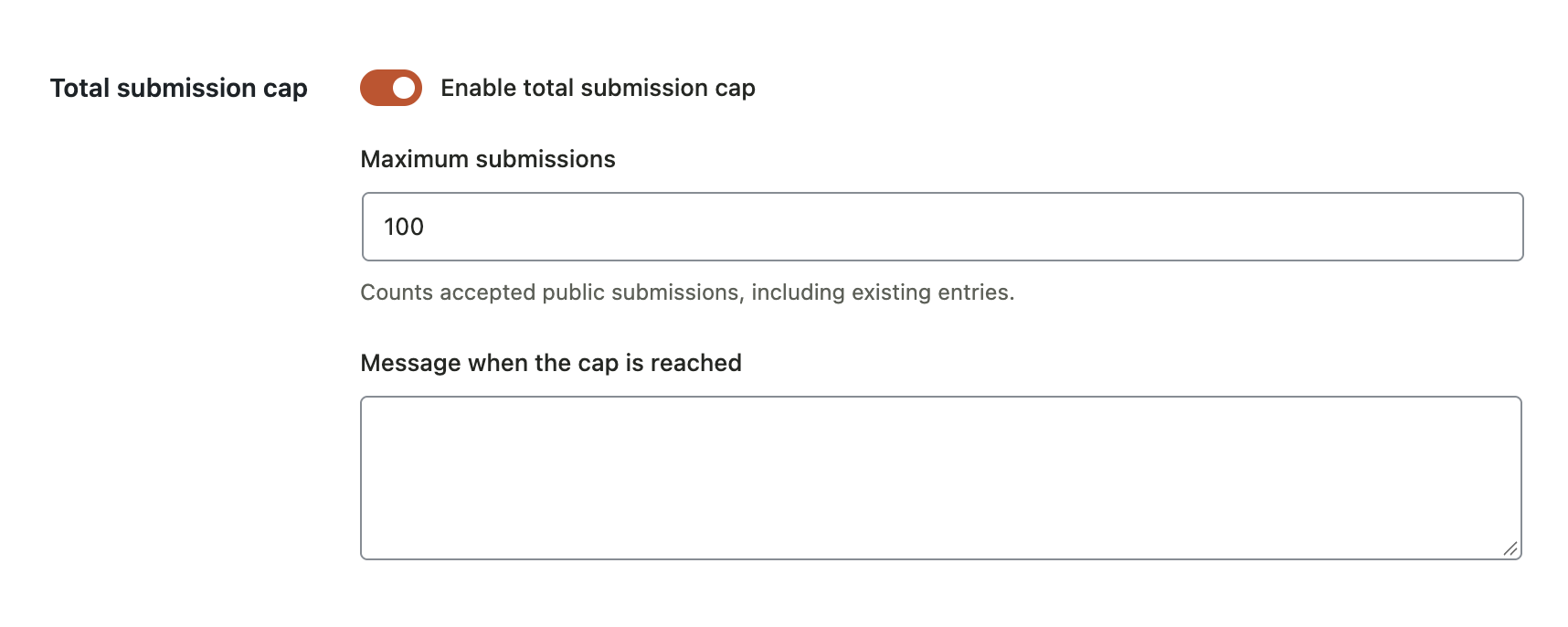
Enable Enable total submission cap and enter a positive whole number under Maximum submissions. Set Message when the cap is reached to explain why the form is unavailable, or leave it blank for the default.
The cap counts accepted public submissions for this form, including qualifying entries already saved before you enable it. It is a total for the form, rather than a daily reset or a per-user allowance. Test entries, non-submission origins and entries outside accepted status are not included in this count.
For example, a form with 35 qualifying entries and a cap of 50 has capacity for 15 more. Setting the cap below its current accepted count closes it immediately. Moving an entry out of accepted status can change the count; use entry statuses to describe the entry accurately.
Combine the rules
When both restrictions are enabled, the form must be within its time window and below its cap. Its ordinary Active status and login requirements still apply. A schedule does not reactivate an inactive form or publish its containing page.
Availability is checked again when a visitor submits. Someone who opened a page while it was available may reach a closing time or a filled cap before sending their answers.
Check the result
Verify the WordPress site's timezone, save the configuration, then check an embedded page. Inspect the expected closed/open message and consider visitors who leave the form open for a while. Existing entries remain available to administrators when new submissions close.
For a simple manual pause, use the form's Active/Inactive status. For a complete check of the visitor workflow, follow the testing guide.